The Real Cost of DIY IT Relocation for Office Moves
Facility managers frequently try to cut corners by having their internal staff move the office server room. They assume that packing computers and cables is just like packing standard office supplies. This mistake quickly leads to shattered network hardware and extended operational downtime. LEA Relocation Services Inc handles corporate transitions with the technical precision required for sensitive electronics.
A DIY IT relocation for office moves creates hidden expenses that far outweigh the savings of doing it internally. Bent connector pins and unorganized cable boxes turn a simple transition into a major technological disaster. Understanding the real physical risks helps business owners make smarter logistical choices.
Section Overview:
- The Truth About Hardware Fragility
- Overestimating Internal Staff Capabilities
- The Chaos of Poor Cable Management
- Frequently Asked Questions
- Protecting Your Network Uptime
The Truth About Hardware Fragility
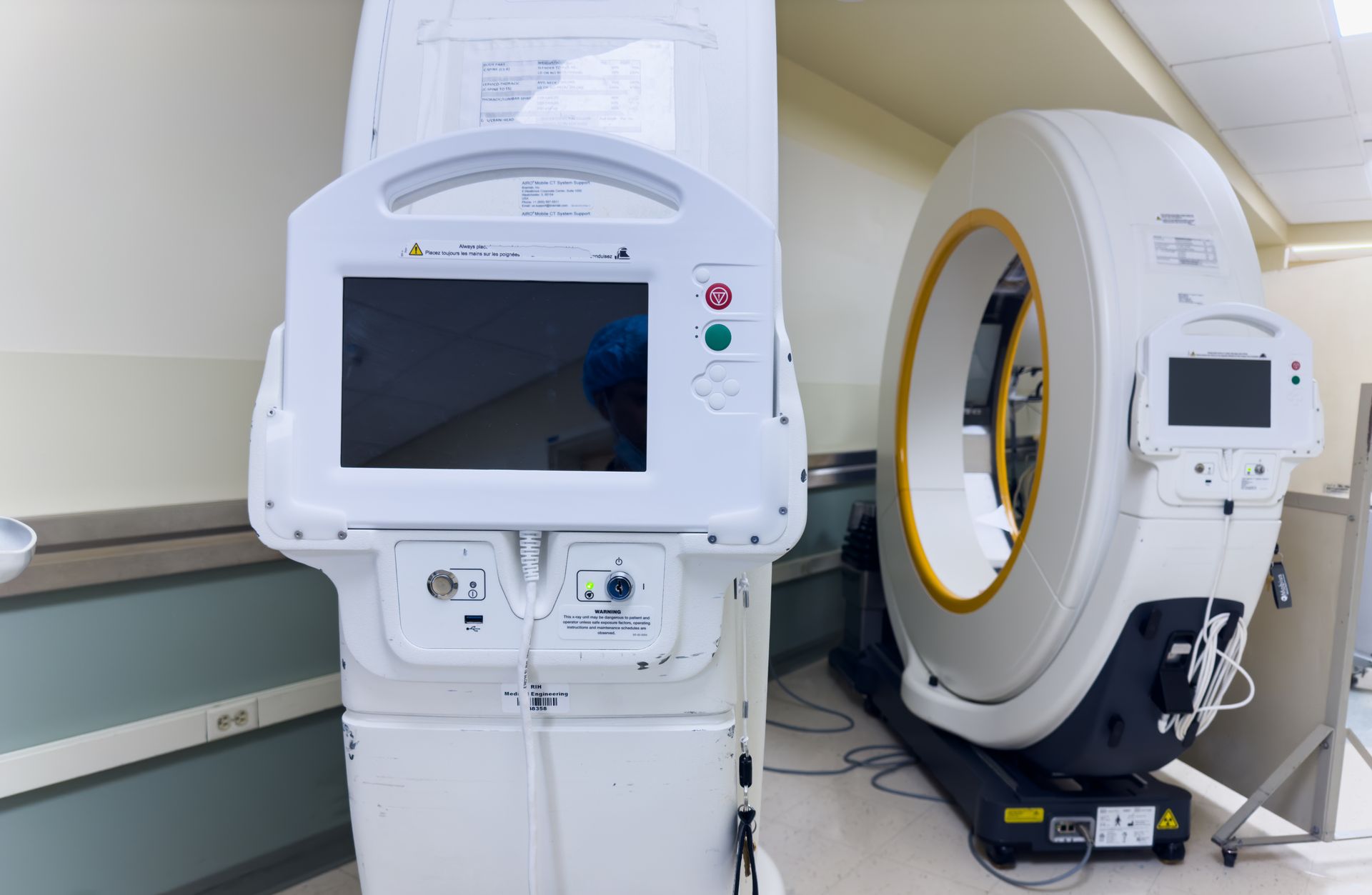
Server racks and network switches look like durable metal boxes from the outside. Inside they are filled with delicate optical sensors and fragile hard drive platters. Rolling a server rack across a bumpy parking lot creates intense vibrations that can corrupt stored data. Professional technicians use air ride transport and anti static bubble wrap to shield these specific components.
→ From a professional standpoint: Even a minor drop from a desk can misalign a hard drive reader and destroy years of client files.
When untrained workers load monitors and servers they often stack them improperly. Heavy boxes get placed on top of fragile screens causing pressure cracks. The physical damage alone usually costs more to replace than hiring a dedicated technology moving crew.
Overestimating Internal Staff Capabilities
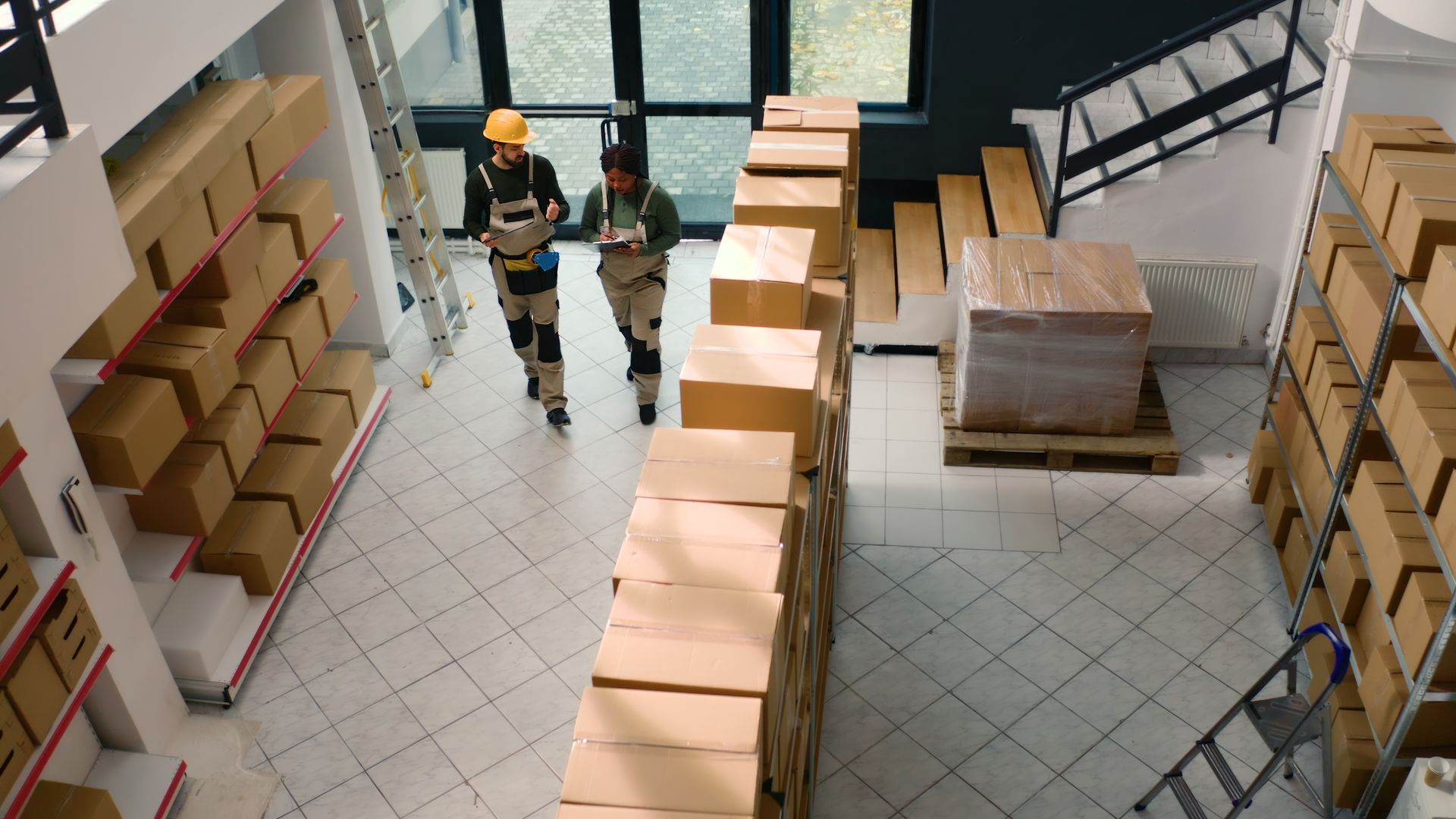
The most common overestimation during a corporate change is believing standard IT workers are also professional movers. A network administrator knows how to configure a firewall but they do not know the mechanics of safely lifting a four hundred pound server cabinet. Forcing office staff to perform heavy lifting leads to personal injuries and workers compensation claims.
The Chaos of Poor Cable Management
Disconnecting an entire office network requires meticulous labeling and physical organization. When internal staff rush to unplug devices they often throw hundreds of identical black cables into a single bin. Trying to sort out this massive knot at the new San Francisco office adds days of downtime.
→ A quick tip to remember: Disconnecting without a labeling strategy guarantees you will spend your first week in the new office troubleshooting missing connections.
Professionals bag and tag every individual workstation setup. The mouse keyboard and specific power cords travel securely with their assigned monitor. This physical discipline allows the network to be plugged back in and powered up immediately upon arrival.
Frequently Asked Questions
How much downtime is normal for an office IT migration?
A professionally managed IT migration usually takes a single weekend to complete. The crew disconnects everything on Friday evening and has the network running by Sunday afternoon. When companies attempt it themselves they often face rolling outages that last for a full business week.
Can standard movers handle server rack transportation safely?
Basic household movers do not have the training to handle commercial network racks. These cabinets are top heavy and require specialized tipping prevention straps. Hiring a team that offers dedicated MAC services ensures the equipment is handled by trained commercial specialists.
What is the most common point of failure when reconnecting an office network?
The most frequent issue is damaged fiber optic cables. These cords carry data through delicate glass strands that snap if bent at a sharp angle. Amateurs often tightly wrap these cables causing internal breaks that are impossible to see from the outside.
Protecting Your Network Uptime
Keeping your corporate network safe requires physical discipline and the right protective gear. Skipping professional handling always results in lost productivity and damaged hardware. Contact us to schedule a secure technology transition for your next workspace upgrade.